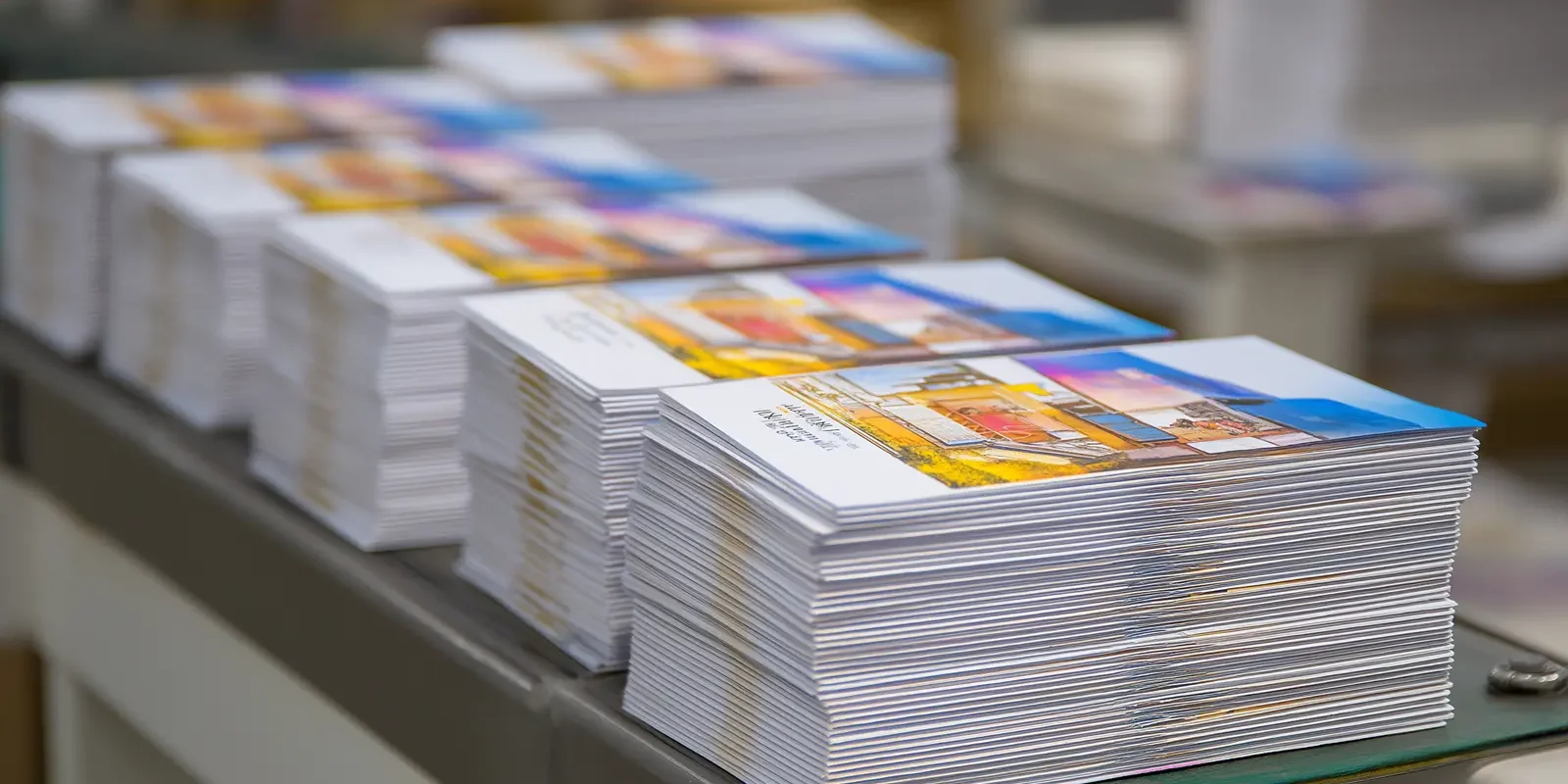
Mail Tabbing Equipment and USPS Requirements for Folded Self-Mailers
For production mailers, proper tabbing helps folded self-mailers stay secure, automation-compatible and ready for high-volume USPS processing.
Folded self-mailers are built to do more than carry a message. They are the message, the container and the mailpiece all at once. That makes them useful for direct mail campaigns, newsletters, promotional pieces and other letter-size mailings where visibility, efficiency and cost control matter.
But once a mailpiece moves without an envelope, the design has to do more work. The fold style, open edge, paper weight, tab placement and addressed panel all affect how well the piece holds together during handling and automated processing. If those details are not planned correctly, a clean-looking self-mailer can still create problems once it enters the mail stream.
Mail tabbing helps solve that problem by applying adhesive tabs or wafer seals that keep folded mailpieces closed and aligned. For commercial printers, mailers and in-plant teams, tabbing is not just a finishing step. It is part of producing folded self-mailers that can move through USPS equipment consistently, meet applicable requirements and keep production running without avoidable delays.
Mail Tabbing Equipment and USPS Requirements for Folded Self-Mailers
Mail tabbing is the process of applying adhesive tabs or wafer seals to folded self-mailers, booklets and other unenveloped mailpieces so they stay closed during USPS processing. For commercial printers and mailers, proper tabbing helps protect automation compatibility, reduce handling issues and keep higher-volume mailings moving through production.
Because tabbing affects both mailpiece design and production efficiency, it should not be treated as a minor finishing detail. The right approach depends on the fold style, tab placement, paper weight, tab material, USPS requirements and the equipment used to apply the tabs consistently.
Why Folded Self-Mailers Need Mail Tabbing
Folded self-mailers are designed to move through the mail without a traditional envelope. That is part of what makes them useful for direct mail campaigns, newsletters, promotional mailers and other letter-size pieces. The printed piece becomes the mailpiece itself, which can reduce extra materials while keeping the message visible as soon as it reaches the recipient. For businesses sending high-volume mail, that combination of visibility and efficiency is a major advantage.
The tradeoff is that a folded self-mailer has to stay closed during handling, transport and USPS processing. Unlike an envelope, which fully contains the contents, a folded self-mailer depends on its fold style, paper weight and sealing method to hold its shape. If the open edge lifts, the final folded panel shifts or a loose flap catches in high-speed processing equipment, the mailpiece can be delayed, damaged or treated as nonmachinable. A self-mailer that looks clean after printing can still create problems if it is not designed to survive the mailing process.
That is where mail tabbing becomes important. Tabs, often called wafer seals, are applied to the open edge of folded mail pieces to keep the panels aligned and secure. The goal is not simply to close the piece. The goal is to close it in a way that allows the mailpiece to move cleanly through automated equipment without interfering with the addressed panel, barcode clear zone or other postal markings.
For production teams, this makes tabbing a practical design and workflow issue. A folded self-mailer that looks fine on screen may still create problems if the fold style, tab placement or tab materials are not considered before printing. In higher-volume production runs, those small details can affect speed, consistency, postage eligibility and whether the mailing moves through the system as intended. Planning for tabbing early helps prevent a finished piece from becoming a production problem at the end of the line.
What Mail Tabbing Does
Mail tabbing applies adhesive tabs or wafer seals to a folded mailpiece so it stays closed as it moves through production, transport and USPS processing. For folded self-mailers, booklets and other unenveloped mail pieces, tabs help secure the open edge and prevent panels from separating during handling. This is especially important for mailpieces that move through automated equipment, where loose panels can catch, bend or shift. A properly tabbed piece has a better chance of staying stable from production through delivery.
A tabbing machine, sometimes called a mail tabber, automates that process. Instead of applying tabs by hand, the machine places them consistently across a production run. Depending on the mailpiece design, that may mean applying one tab, two tabs or additional sealing points in specific locations. The number and placement of tabs are not random; they are tied to the fold style, tab size, paper weight and USPS requirements for the piece.
The main job of a tab is to keep the mailpiece stable without making it harder for USPS equipment to read and process. When a folded panel lifts, it can catch in high-speed processing equipment, shift out of alignment or create issues with automation compatibility. Proper tabbing helps reduce those risks by holding the piece together while still leaving the address, barcode clear zone and other postal information unobstructed. That balance between sealing and readability is what makes tab placement so important.
For production teams, the value of tabbing is consistency. Manual tabbing may be manageable for small batches, but larger mailings require repeatable placement, steady speed and reliable sealing. A tabbing machine helps keep production moving while reducing the chance that inconsistent tab placement creates problems later in the mailing process. In practical terms, tabbing helps turn an unenveloped mailpiece into something that can move through the mail stream with less risk.
Why USPS Tabbing Requirements Matter
USPS tabbing requirements exist because folded self-mailers have to survive automated processing without opening, catching or shifting as they move through the mail stream. A tabbed piece is not only being sealed for presentation. It is being prepared to run through high-speed sorting equipment without creating delays, damage or handling problems. That means the sealing method has to support both the mailpiece design and the way USPS equipment processes the piece.
The exact requirements can depend on the mailpiece design. Fold style, paper weight, tab size, tab material, open edge location and the position of the addressed panel can all affect how a folded self-mailer should be sealed. A bi-fold piece, tri-fold piece, booklet or other folded format may each require a different tabbing approach depending on how the panels close and how the piece enters postal equipment. This is why production teams should avoid assuming that the same tab placement works for every job.
A tri-fold piece of paper can often be mailed as a folded self-mailer, but it still has to meet USPS design, addressing and sealing requirements. The fold style, final folded panel, open edge, paper weight and tab placement all affect whether the piece can qualify for automation-compatible processing. Production teams should confirm those details before printing a large run, because a piece that looks correct visually may still need one or more tabs to move through postal equipment properly. Checking the design early is much easier than correcting thousands of finished pieces after the fact.
Tab placement also matters because tabs cannot interfere with the areas USPS needs to process the piece. The address, barcode clear zone and postal markings have to remain readable and unobstructed. If a tab is placed in the wrong spot, the piece may still look sealed, but it can create problems for automation compatibility. When the fold, address panel and sealing method are planned together, the final piece has a better chance of meeting USPS standards and moving through production without unnecessary rework.
Common Mail Tabbing Problems
Tabbing problems usually start before the tabs are applied. In many cases, the issue is built into the mailpiece design. The fold style, addressed panel, barcode clear zone, open edge and final folded panel all need to work together. If those details are not considered early, the production team may be forced to solve a design problem at the end of the line.
One common issue is loose or poorly secured panels. A folded self-mailer may look clean when it comes off the press, but if the open edge is not sealed correctly, the piece can lift during handling or catch in processing equipment. That can lead to bent corners, torn pieces, rejected mail or slower processing. It can also create inconsistency across the run, where some pieces move through cleanly while others create problems.
Another problem is inconsistent tab placement. Manual tabbing can work for small jobs, but it becomes harder to control across larger production runs. A tab that is slightly off on one piece may not matter. A tab that is slightly off across thousands of pieces can create a much larger mailing problem, especially if it interferes with the address, barcode or postal markings.
Tab materials can also create issues. Tabs need to hold securely enough to keep the mailpiece closed, but they also need to be appropriate for the paper, fold style and USPS standards. The wrong material, weak adhesion or poor placement can make the piece less reliable during sorting. The biggest mistake is treating tabbing as an afterthought, because for folded self-mailers, tabbing is part of the mailpiece design.
When a Tabbing Machine Makes Sense
Manual tabbing may be enough for short runs, occasional mailings or simple pieces with low volume. Once mailings become larger, more frequent or more varied, it can quickly turn into a production bottleneck. At that point, the issue is not just how long it takes to apply tabs. It is whether the tabs are being applied consistently enough to protect the mailpiece and keep the job moving.
A tabbing machine makes sense when production teams need repeatable placement across an entire run. Folded self-mailers, booklets and other unenveloped mailpieces often have specific sealing requirements, and those requirements can change from one job to the next. If a team is moving between different fold styles, tab sizes, paper weights or mailpiece formats, automated equipment can help reduce setup guesswork and manual variation. That consistency matters when the same job has to move cleanly from printing to folding to addressing to mailing.
Speed is another factor. High-volume mailings depend on steady throughput from one step to the next. If printing, folding, addressing or inserting can move faster than the sealing process, tabbing becomes the point where the line slows down. A mail tabber helps production teams apply tabs at a pace that better matches the rest of the workflow.
Tabbing equipment can also improve quality control. Consistent tab placement helps protect the address area, barcode clear zone and postal markings while keeping the open edge secured. That consistency matters when a mailing needs to meet USPS standards, qualify for automation-compatible processing or avoid preventable rework. For commercial printers, mailers and in-plant teams, the decision usually comes down to volume, consistency and labor.
How Tabbing Fits Into the Mailing Workflow
Mail tabbing works best when it is treated as part of the full mailing workflow, not a separate finishing step added after everything else is complete. A folded self-mailer has to be designed, printed, folded, addressed, sealed and processed as one connected system. If one part of that system is out of sync, the entire job can slow down. That is why tabbing should be considered alongside the format, fold style, address layout and production volume.
That is especially important in production environments where tabbing needs to work alongside feeders, folders, transport systems, inkjet addressing, labeling equipment, inserters or verification tools. The tabber has to keep pace with the rest of the line while applying tabs in the right location for the mailpiece format. Otherwise, a job that runs smoothly through printing or addressing can still get held up during sealing. A strong mailing workflow reduces those weak points by making sure each step supports the next.
A smarter mailing line looks at more than the machine itself. It considers the type of mail being produced, the range of fold styles, the materials being used, the required tab placement and the volume the operation needs to handle. The goal is not simply to add speed. It is to create a more predictable workflow where each step supports the next.
For teams producing folded self-mailers, booklets, newsletters or other unenveloped mailpieces, the right tabbing setup can make a meaningful difference. It helps keep mailpieces secure, supports USPS automation standards and reduces avoidable slowdowns caused by manual or inconsistent sealing. Add-Jet helps commercial printers, mailers and in-plant teams evaluate tabbing equipment as part of the full mailing line, including feeders, folders, transport systems, inkjet addressing, labeling, inserting and verification. The right setup depends on the mailpiece, production volume and workflow, not just the tabber itself.